Record on any device. Analyse every knot.
Whether you’re hunting early-season thermals, punching through shorebreak at your local reef, or tuning your kit for upwind height, how you capture the track should not decide the quality of the debrief.
Some riders want a wrist setup. Others mount a phone in a waterproof housing. Many already have years of heart rate and GPS on a multisport watch.
KnotNow is built around one rule: your data belongs to you, regardless of how you record it. You use the tool that fits the session. KnotNow turns the track into wind-sport metrics — VMG, foil flight, turn smoothness, and shoreline walk-back.
Here is every way to get a track into KnotNow.





1. Apple Watch and Garmin
If you want numbers you can read in spray and sun, the watch apps are built for that: big type, one job per screen.
Apple Watch
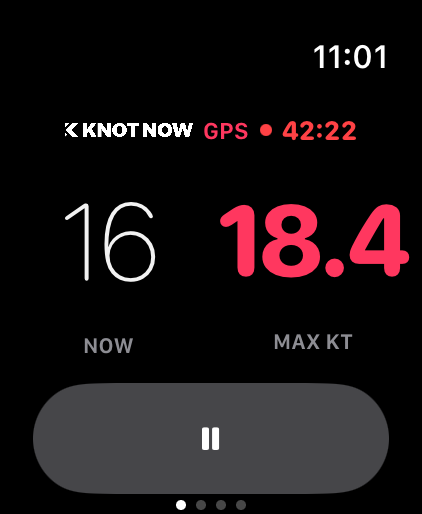
- Record on the watch. The phone can stay on the beach. The Watch uses its own GPS.
- Glanceable metrics. Speed, distance, elapsed time, and bearing.
- Save, then the iPhone. Hit Save and the session transfers to the KnotNow iPhone app. It uploads when you are signed in and online — the same path as a phone recording. KnotNow on Apple Watch.
Garmin
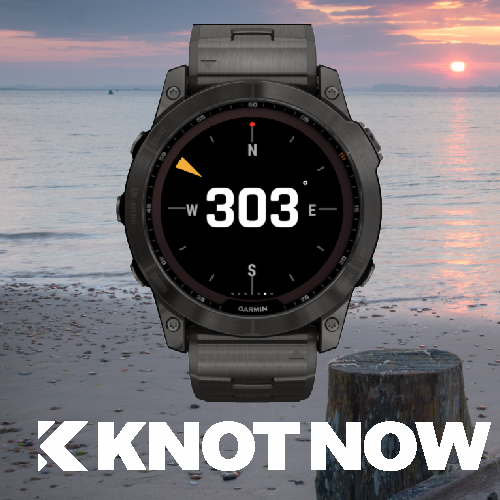
- High contrast. Big numbers, one metric per screen, readable with gloves. KnotNow for Garmin.
- On the water. Speed, distance, time, bearing, laps, and a 5- or 3-minute race timer.
- Into KnotNow when you are ready. The watch file lands in Garmin Connect. It does not import itself. Upload the FIT, GPX, or TCX on the web, or from the app, when you want the debrief.
2. Record on your phone — iOS and Android
No watch required. The KnotNow app on iPhone and Android records the session.
- One tap to record. Phone in a waterproof case or dry bag, hit record, go.
- Debrief when you stop. Turns, speed against wind angle, and legs are on the same session.
3. Suunto, COROS, and Polar
Keep the watch you already train on. Connect the account once in KnotNow settings. Sync the watch with that brand’s app, then tap Import Workouts. Background sync is not on yet — import is the step that brings the track in.
- Suunto. Connect Suunto, then import. The GPS track feeds turn smoothness and VMG.
- COROS. Import covers the last 30 days. COROS has a daily import allowance. If a ride is missing, tap import again the next day. Long sessions still break down into port and starboard foil time.
- Polar. Sync the watch to Polar first. Import loads water sessions from the last 30 days — heart rate with the upwind legs and speed splits.
4. Strava
Keep Strava as the place you share the session. Link Strava and new water activities are picked up into KnotNow. Land sports stay out. Older history is a separate request from account settings — it is not an instant copy of every past ride. You keep the Strava feed. KnotNow is the debrief: tacks, gybes, and time on foil.
5. FIT, GPX, and TCX
A handheld GPS, a sailing instrument, or a file exported from another watch: upload .fit, .gpx, or .tcx on the web (10 MB max). That is how a season already on disk, or a loaner watch, gets into the same logbook. Upload a file.
The same debrief, whatever recorded it
Apple Watch, a COROS, a phone in a dry bag, or a GPX from years ago — once the track is in KnotNow, the breakdown is the same:
- Tacks and gybes. Exit speed, recovery, VMG cost, and a smoothness score.
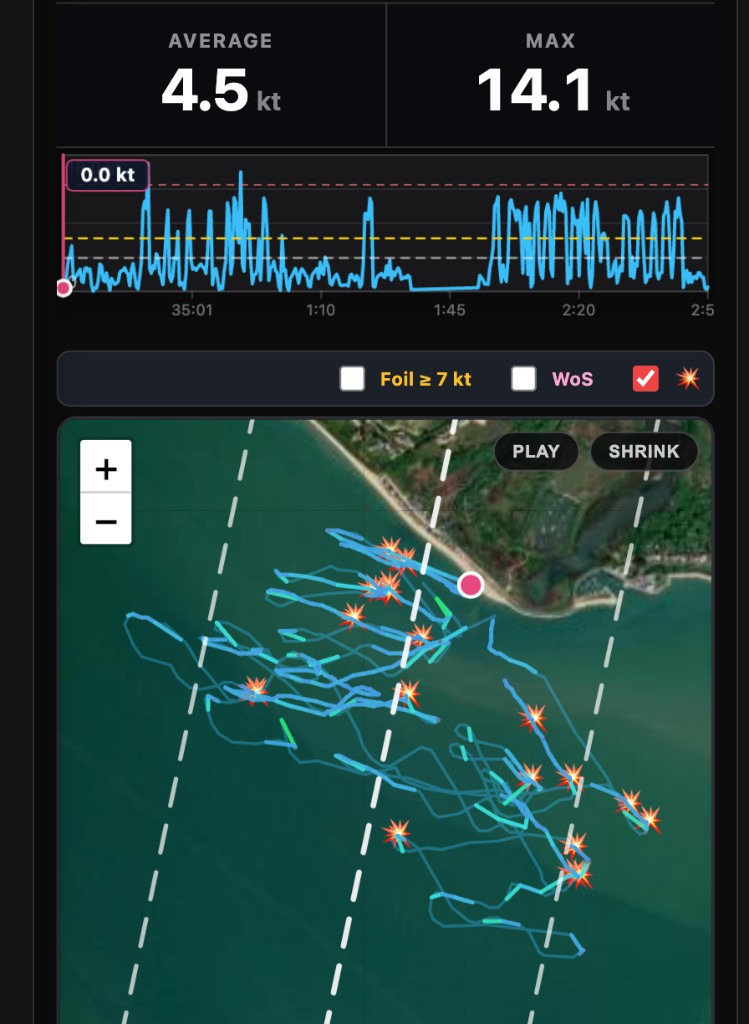
- Foil. Time and distance on foil, flight percentage, port versus starboard.
- Legs. Crop the timeline to a start, a leg, or a speed run, and leave the beach out.
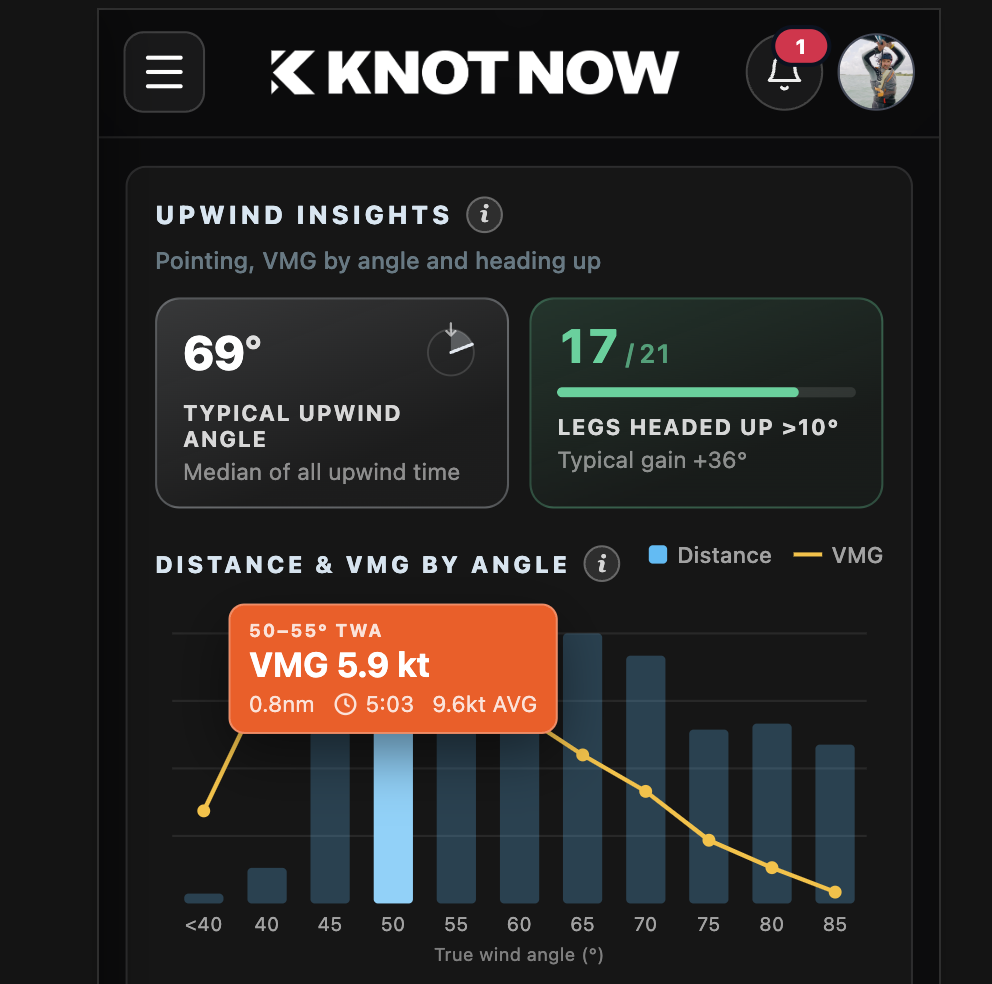
- Over time. Upwind angle, speed against wind direction, and shoreline walk distance.
Log the next one
KnotNow is free. No credit card, and the session analytics are not locked. Link a watch or Strava, or record on the phone, and build the baseline each time you get on the water.