
If you rely on your Suunto watch for rugged outdoor tracking, you already know it captures crisp GPS tracks and heart rate on the water. A standard multisport app will tell you average speed and total distance. It will not tell you whether the upwind tacks were efficient, how much height a gybe gave away, or what percentage of the session was spent foiling.
With the direct Suunto × KnotNow connection, those workouts go into KnotNow for wind-sport analysis.
How to connect your Suunto watch to KnotNow
Linking takes a minute:
- Open KnotNow on iOS, Android, or the web and go to account settings.
- Tap Connect Suunto.
- Log in with your Suunto account to authorize the connection.
Sync the watch with the Suunto app, then tap Import workouts in KnotNow. The session lands in your logbook.
What you get from a Suunto track
KnotNow breaks the raw track into wind-sport metrics:
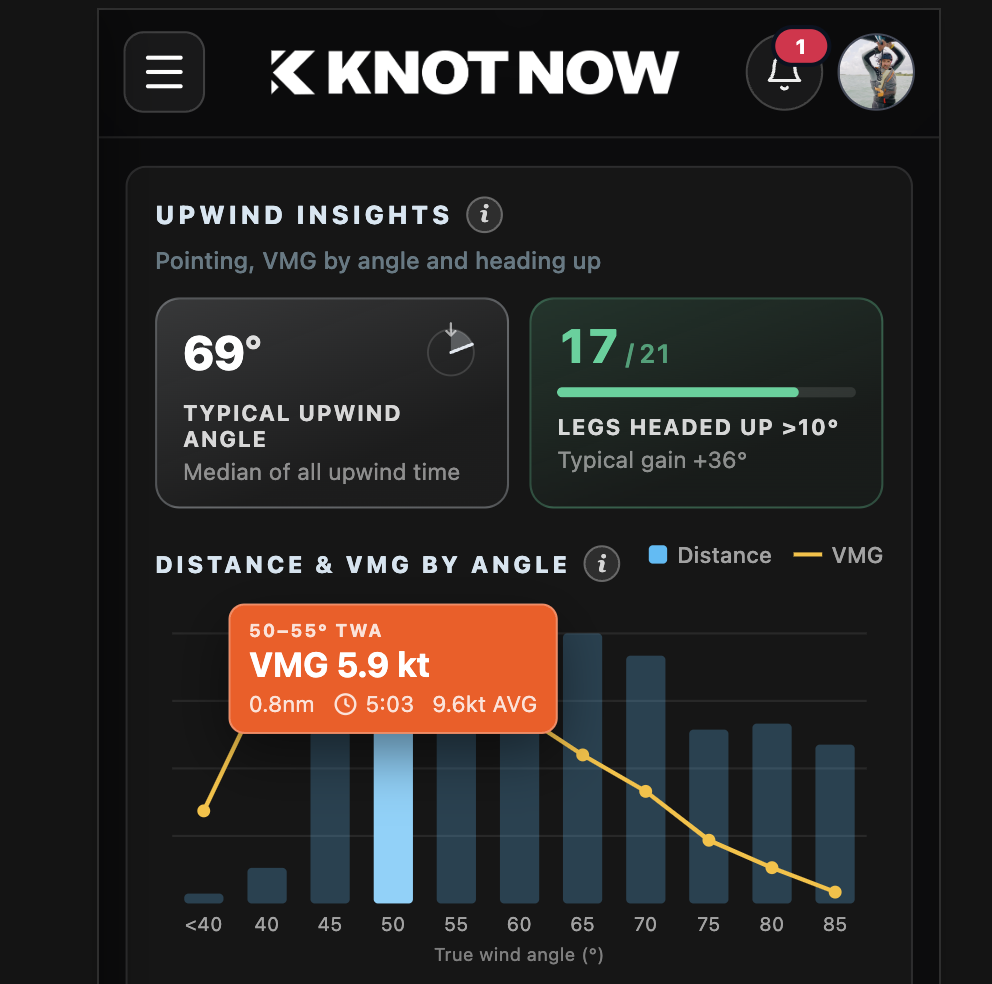
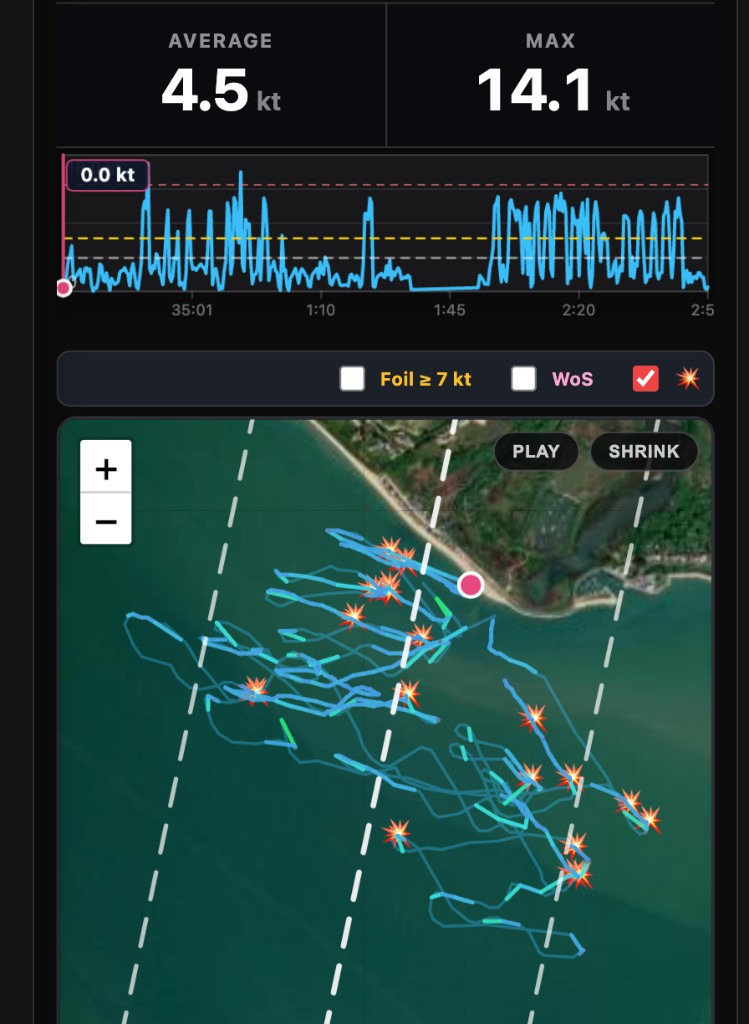
- Tack and gybe analysis. Every turn is detected. See the 5-second exit speed, recovery, the distance and VMG the turn cost, and a Smoothness Score you can compare week to week.
- Foil flight. Time on foil, the percentage of the session spent flying, and port versus starboard so the weaker side is obvious.
- Speed, not just an average. Interval sprints, distance milestones, and speed against wind angle.
- Legs. Fastest reaches and upwind angles. Crop the timeline to a race or a leg and leave the beach chat out.
- Early sessions. Shoreline walking distance — the walk back — and how those steps shrink as the upwind improves.
Your Suunto is already the logger
You don’t need new hardware. Link Suunto in KnotNow settings and open the debrief on your next session. The analytics are free.