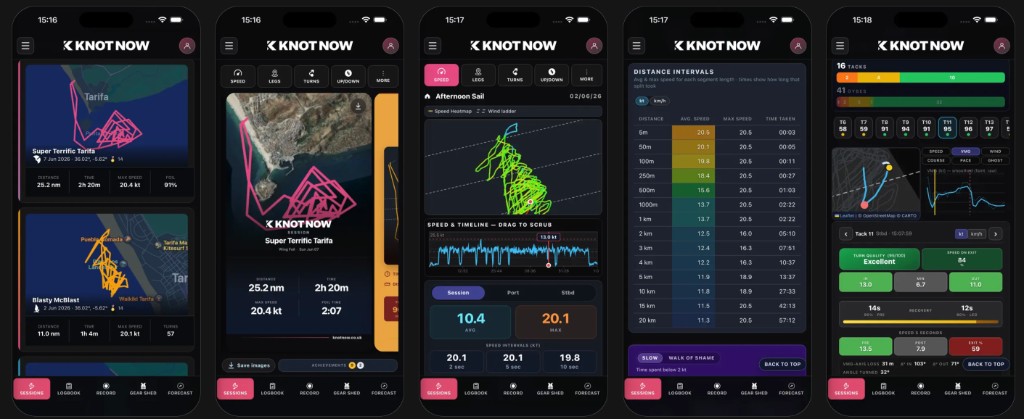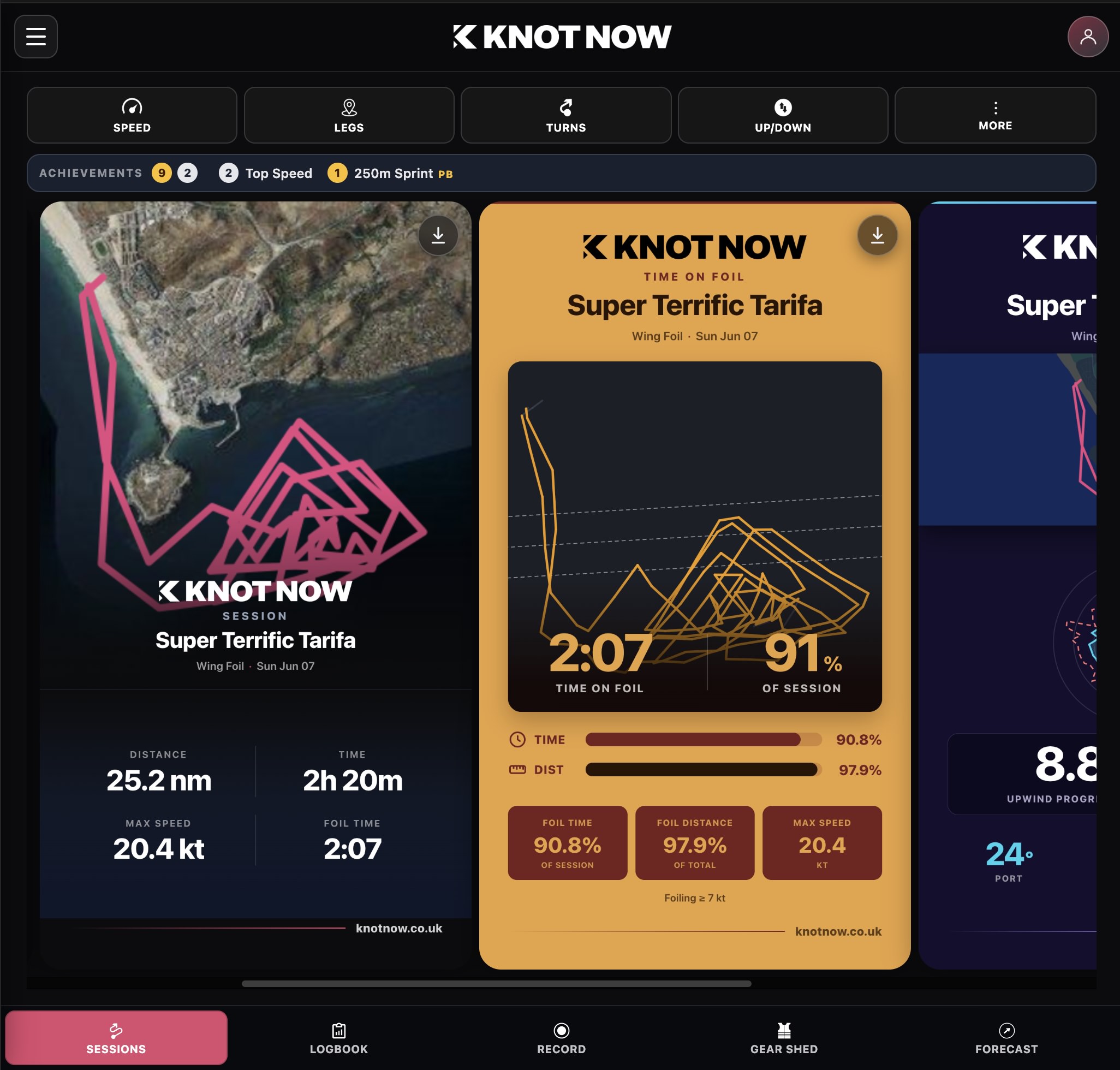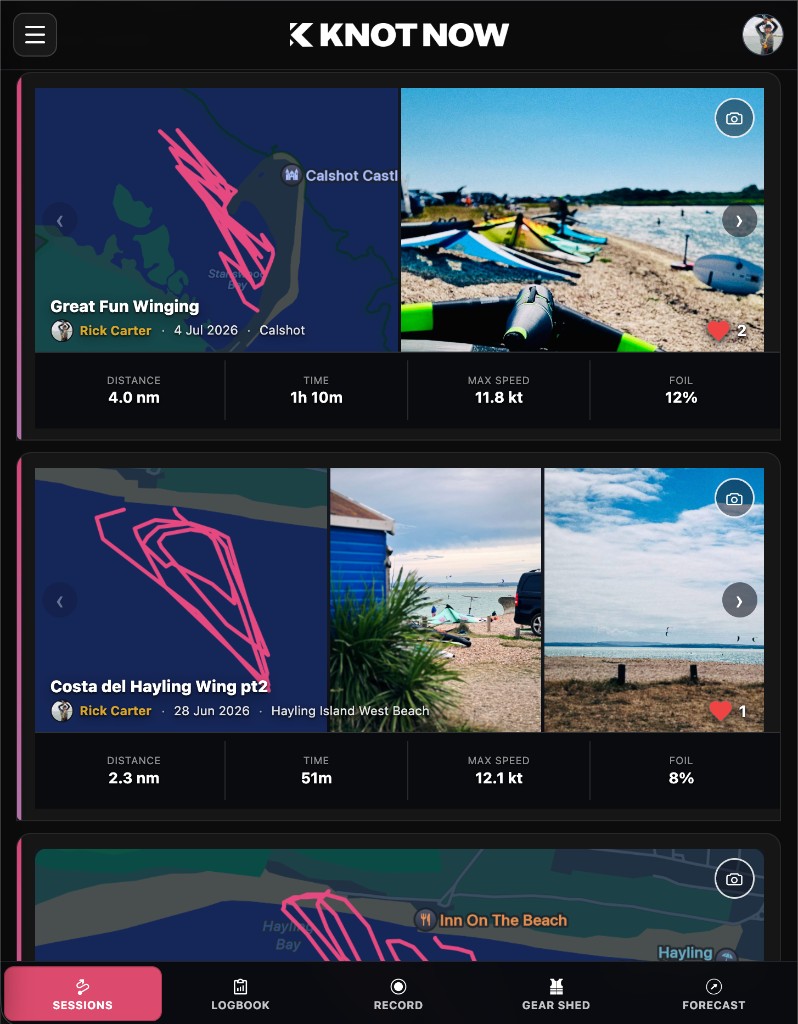
Pictures or it didn’t happen: you can now add photos to your KnotNow sessions.
There is nothing quite like that feeling of coming off the water, totally stoked, buzzing with the rest of the crew about the session you just had.
Sometimes the numbers only tell half the story. A polar chart can’t capture the perfect glassy setup before you rigged, the massive grin on your face, or the sunset you watched from your board.
So we’ve added a feature we’ve wanted for a while: you can now upload photos directly to your KnotNow sessions.
When you log a session, you can attach your photos to keep a proper visual diary of your time on the water.
Beyond remembering the good times, it’s actually pretty useful for tracking your progression. You can:
- Snap your gear setup: take a photo of your wing, foil, or sail trim next to your session data so you can remember exactly what setup worked best in those specific conditions.
- Keep a proper log: remember who you sailed with, what the launch looked like, or how the tide behaved.
- Build a proper timeline: create a visual history of your progression over the season.
How to do it
It’s dead simple. Open any of your tracked or manual sessions, hit the new photo icon (or More → Session Photos), and upload from your phone.
The update is live now. Head out, get wet, take a few shots, and let us know what you think of the new feature.
See you out there.
Try it in the app
Open a session, tap the camera, and add your shots. Download KnotNow on the App Store →
Already logging on the web? The same photo tools are in Sessions.